 Daptin
Sign in once, then belong everywhere the product expects.
The same account can join a workspace, own records, connect an outside service, run a permitted action, and receive live updates.
Home / Why Daptin
One connected backendCustomers, teams, records, files, actions, messages, and outside services all describe the same product. Daptin keeps them in one shared application context, so every new capability begins with more understanding and less integration work.
The database knows the records. The identity service knows the people. Object storage knows the files. A job runner knows the schedules. A provider integration knows an outside account. None of them automatically knows which customer owns the work or which rule should apply.
The account that owns a record also governs its files, actions, feeds, and protocol access.
Daptin takes a different position. Start from the application's records and relationships, then let identity, access, files, actions, live updates, storage, mail, and protocols build around that shared foundation.
Daptin applies that ownership rule through APIs, files, sites, feeds, protocols, and workflows. The value is that they can reuse the same understanding of people, data, ownership, and product behavior.
A customer or teammate can own records, join groups, connect outside accounts, and carry one identity into actions.
A document or image stays attached to its customer, project, article, permission, and workflow.
Approve, invite, publish, send, or synchronize becomes a backend operation that several clients can reuse.
Database, storage, limits, health, certificates, and recovery stay visible operating choices.
Connections remove repeated decisions and give product behavior one place to live.
The same account can join a workspace, own records, connect an outside service, run a permitted action, and receive live updates.
The record's ownership and team context shape ordinary data access, attached files, instance actions, and relevant live paths.
A meaningful action can validate input, change records, render content, call a provider, publish an event, and run on a schedule.
Files remain connected to records while operator-chosen storage, hosted sites, documents, feeds, and collaboration extend their use.
Daptin takes responsibility for repeatable backend foundations. Your team still owns product decisions and the infrastructure boundary.
A clear boundary is more useful than a universal claim.
Your product has relational data plus several recurring needs: customer identity, team access, files, backend actions, schedules, live views, provider connections, mail, sites, or established protocols. You value self-hosting and want those parts to share context.
Choose a specialist or managed platform when bespoke compute, one dominant function, outsourced operations, or workload scale drives the architecture.
The included administration surface shows the records, permissions, and actions created around the live application model.
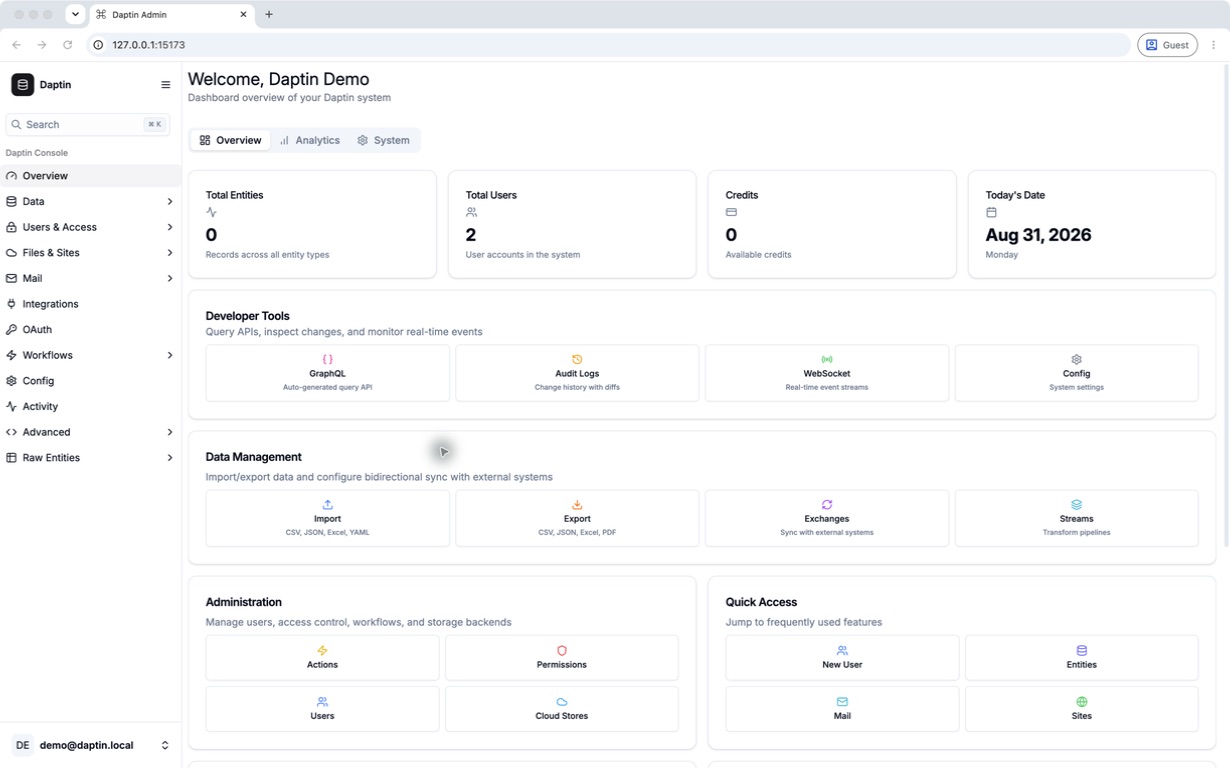
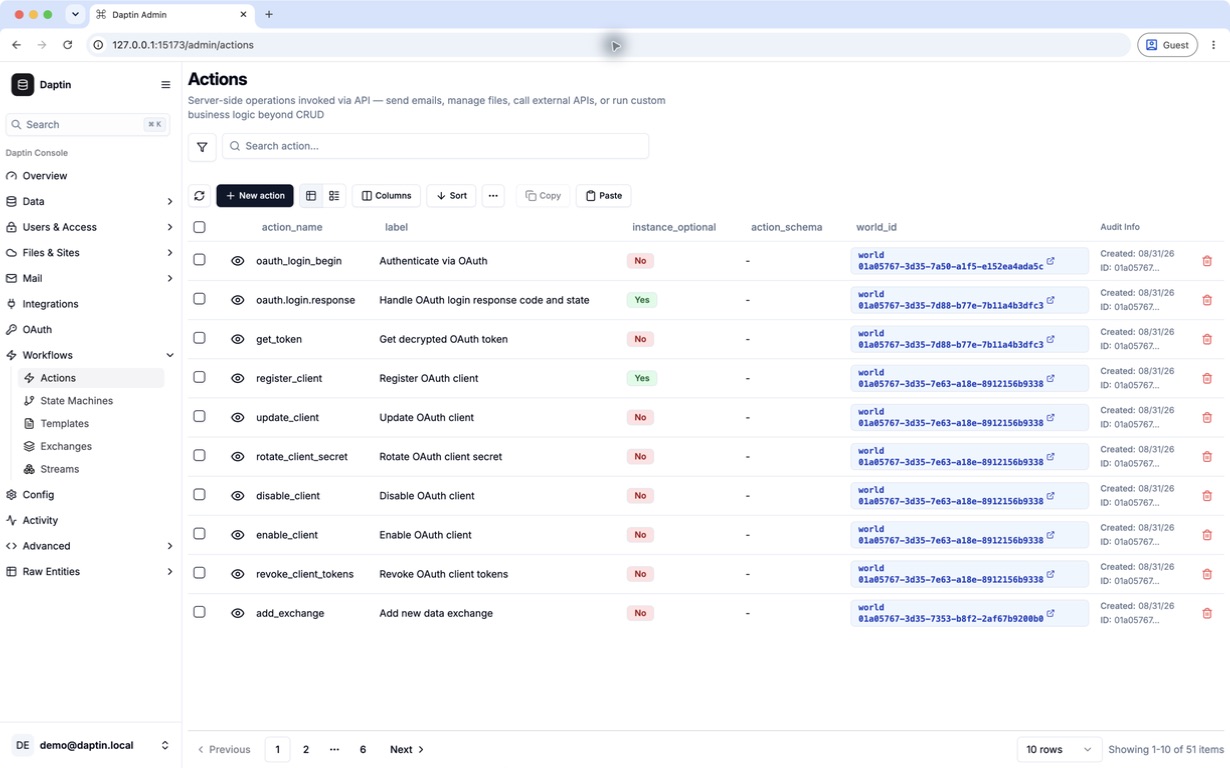
Every Daptin capability now has a dedicated product page with benefits, examples, connections, boundaries, and a path into exact technical guidance.