Open source · Self-hosted · LGPL-3.0

Your data model
is the backend.

Daptin reads table definitions from YAML or JSON and creates JSON:API routes for their records. It also supplies users, permissions, file uploads, server-side actions, integrations, and WebSocket events.

Go binary · SQLite, MySQL, or PostgreSQL · self-hosted

01 / RUN

A backend in one command

$ docker run --rm -p 127.0.0.1:6336:8080 daptin/daptin:v0.12.36 Open localhost:6336 →
JSON:APIGraphQLOpenAPIWebSocketsOAuth / OIDCOpenAI /v1CLIJS · TS · Go
CALL THE API

HTTP, CLI, and
typed clients.

Call JSON:API routes directly, use the CLI, or install the JavaScript or Go client. All three can read records and run actions.

Explore developer tools
SELF-DESCRIBING CLI$ daptin-cli describe action integration install_integration

Inspect an action’s instance requirements and input fields before executing it.

TYPED JAVASCRIPT> await client.jsonApi.findAll<Product>('product')

Use typed entities, JSON:API, actions, authentication, and direct storage uploads.

OPENAI-COMPATIBLE> new OpenAI({ baseURL: 'http://localhost:6336/v1' })

Point the official client at Daptin and map model names to configured providers.

02 / BUILD

Define tables.
Daptin creates the API.

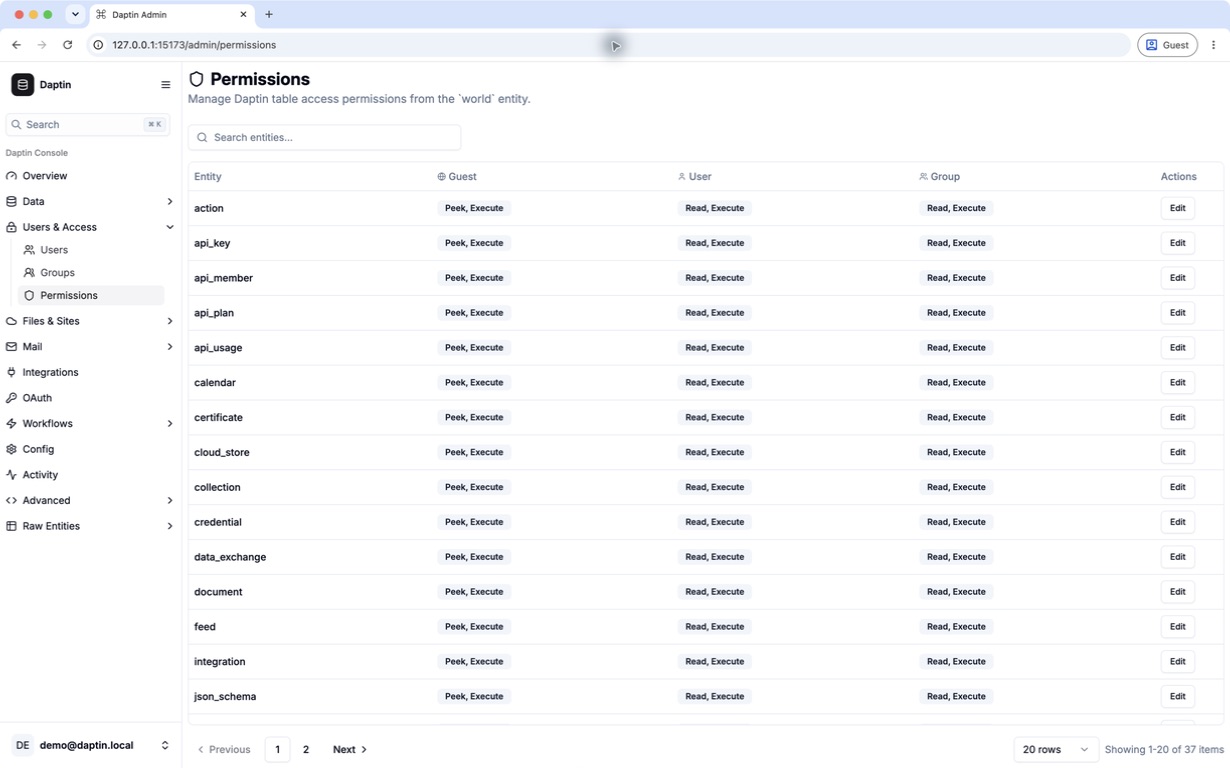
For each table, Daptin creates routes to read and change records, checks which users and groups may use them, publishes record changes, and lists the table in its web dashboard.

Read about tables and relationships
01

Database APIs

Create, read, update, and delete records through JSON:API. Filter, sort, paginate, include relationships, aggregate values, or enable GraphQL.

Explore APIs →
02

Identity & permissions

Users, groups, ownership, JWT and OTP flows, plus table, row, relation, and action-level access control.

Read the permissions guide →
03

Actions & schedules

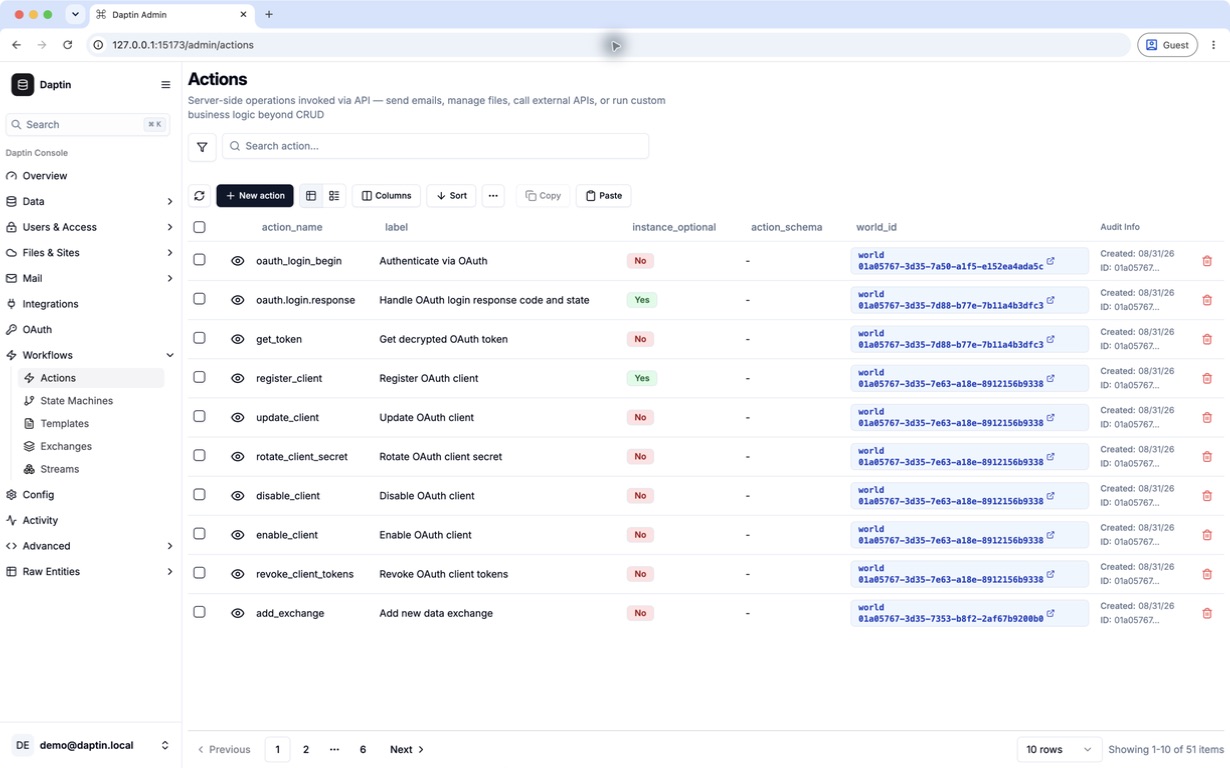
Define input fields and ordered server-side steps, then call the action through HTTP or run it on a cron schedule.

Read the actions guide →
04

Files & cloud storage

Attach files to records, save them locally or through rclone, and serve websites by host name or path.

Read the file storage guide →
05

Realtime & protocols

Publish record changes over WebSockets, edit selected fields with YJS, and enable FTP, SMTP, or IMAP services.

Read the WebSocket guide →
06

Integrations & LLMs

Import OpenAPI operations as actions and route OpenAI-compatible requests across configured LLM providers.

Read the integrations guide →
03 / SHIP

Three steps to
a running server.

  1. 1

    Describe

    Define tables, columns, relationships, validation, and table settings in YAML or JSON.

  2. 2

    Configure

    Create users and groups, set record permissions, and enable the actions, storage, integrations, and protocols you need.

  3. 3

    Operate

    Run one binary with health checks, TLS, audit logs, caching, clustering, and graceful shutdown.

RECORDS AND PERMISSIONS

Actions, uploads, and events
use the same records.

Actions and file uploads refer to the same records exposed by the API. Record permissions also apply when Daptin runs an action or publishes an event.

Browse all server features
CURRENT INTERFACES AND SOURCE

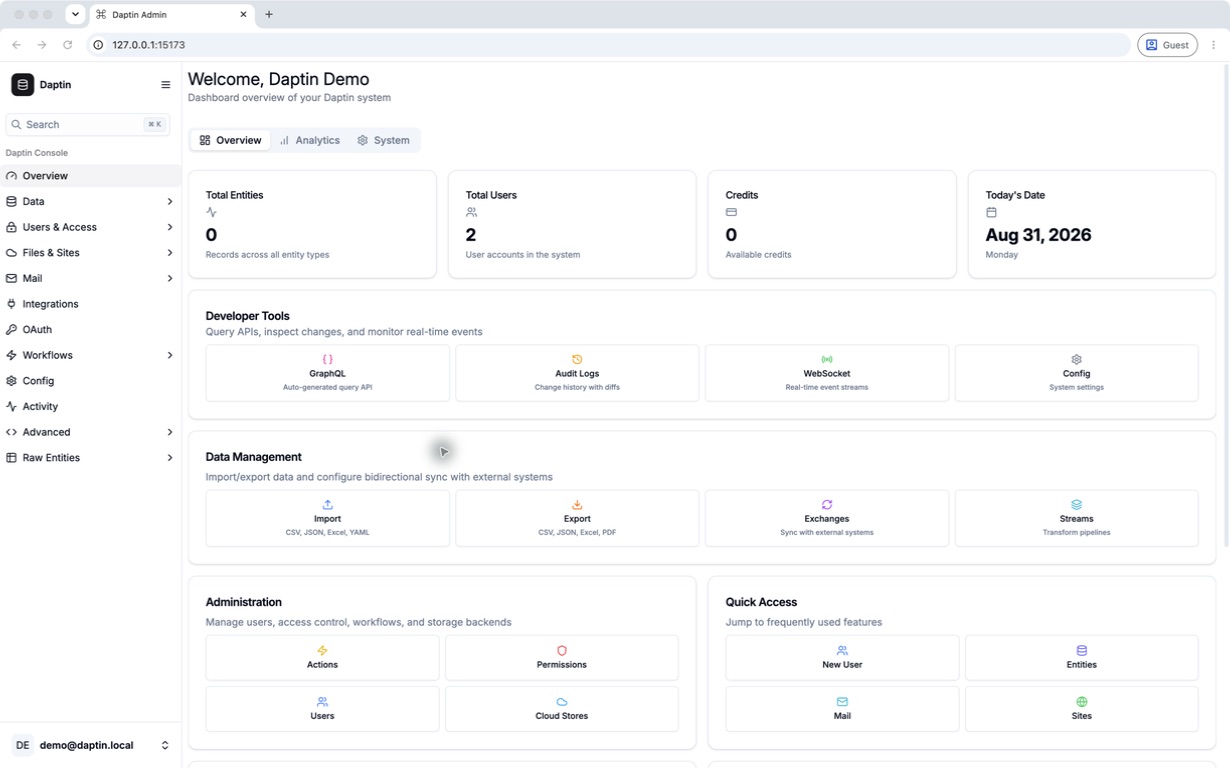
See the current interfaces
and source.

The metering UI below comes from the current demo repository. The schema, API routes, CLI commands, releases, and issue history are public.

Daptin metering demo showing regular API billing, LLM token billing, rate-limit checks, and a usage snapshot
Metering and creditsScreenshot from the runnable daptin-metering-credit-demo ↗
schema → API → CLI
TableName: product
Columns:
  - Name: name
    DataType: varchar(200)

# available after startup
GET    /api/product
POST   /api/product
PATCH  /api/product/{reference_id}

# discover the running model
daptin-cli list world
daptin-cli describe action world import_data
RUNNABLE DEMOS

Run the OAuth, LLM,
metering, and integration flows.

Each repository includes setup instructions and exercises its flow against Daptin.

04 / ADAPT

Common Daptin
deployments.

Teams use Daptin as a primary application server or add a specific API, file, integration, metering, or realtime service to an existing stack.

CLIENTS AND EXAMPLES

Clients, schemas,
and application examples.

Install the CLI, use the JavaScript or Go clients, start from a schema package, or inspect an application repository.

Explore the ecosystem
DEPLOYMENT

Run one Go binary
on your infrastructure.

Run Daptin as a single Go binary, choose SQLite for local work or MySQL/PostgreSQL for production, and keep your application data on infrastructure you control.

SQLite / MySQL / PostgreSQLLocal or cloud file storageDirect infrastructure billingHTTP / JavaScript / Go clients
Self-hosting and production operations
RUN DAPTIN LOCALLY

Start with the
getting started guide.