Clean public identity
Clients use UUIDv7 references. Compact integer keys remain inside the database for joins and indexes.
 Daptin
Run Daptin →
Daptin
Run Daptin →
Data modeling
Describe the records your product owns. Daptin turns that model into a database-backed application layer with validation, relationships, APIs, permissions, and an admin interface already connected.
Define it once
Set field types, defaults, validation, uniqueness, indexes, composite keys, translations, and relationships. Define the model in files for repeatable deployments or work through dashboard3 while the product is taking shape.
Clients use UUIDv7 references. Compact integer keys remain inside the database for joins and indexes.
API writes verify referenced records and caller permission. Generated constraints can reinforce that boundary; verify they were applied by the selected database.
Creation and update timestamps, public references, and record history support everyday product work.
Import CSV and spreadsheet data, export records, and generate samples while developing the application.
What you can model
Combine typed fields, translated values, unique slugs, publishing dates, authors, categories, files, and record relationships.
Connect users, groups, memberships, projects, tasks, and tenant-owned records without inventing opaque string references.
Model orders, tickets, devices, events, or inventory with indexes, composite uniqueness, state tracking, and history.
Import CSV or spreadsheet data, expose it through standard interfaces, and evolve the model as the application becomes clearer.
The engineering underneath
Clients receive time-ordered UUID references that are safe to expose outside the database. Daptin resolves them to compact integer keys for relationships and joins. It also adds timestamps, versioning, ownership, permissions, validation, and record history consistently instead of asking every table implementation to remember them.
The model remains a contract, not magic. Review generated indexes, rehearse schema changes with real data, and choose database-specific constraints before production.
See the backend engineering →Product evidence
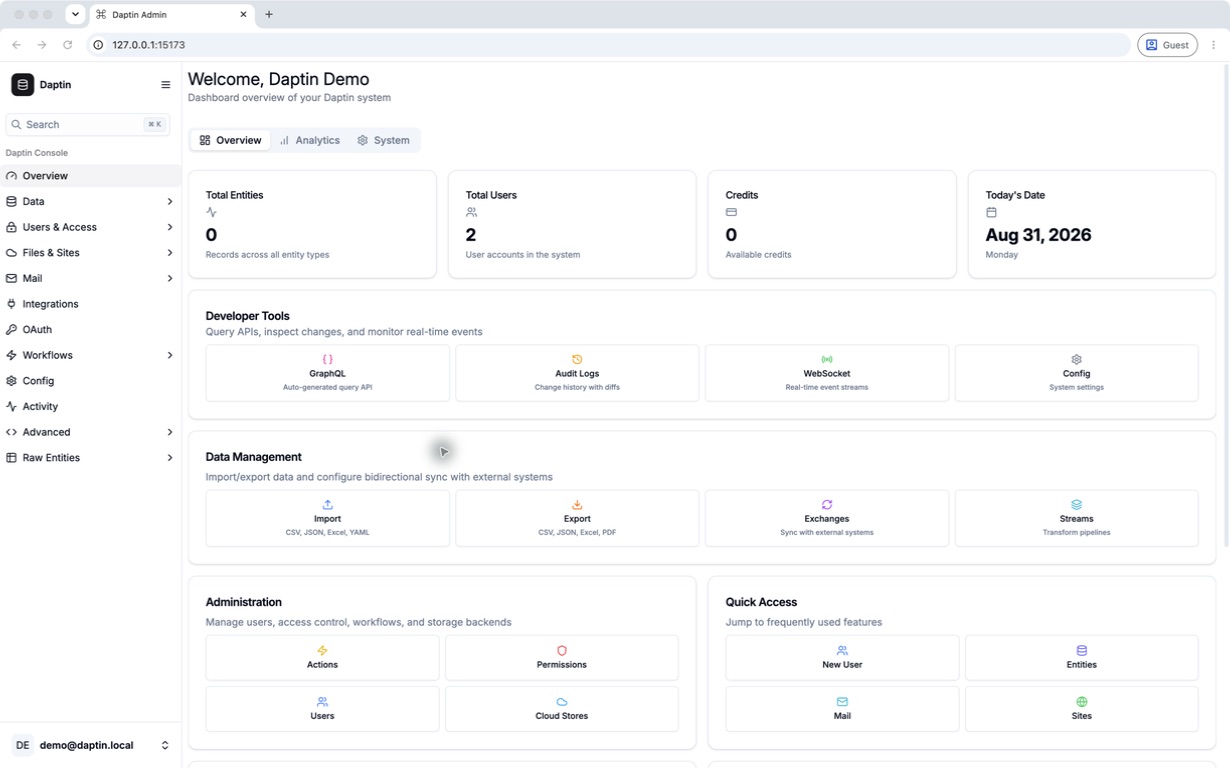
dashboard3 exposes the active tables, records, and generated administration surface. Use it to confirm that names, relationships, standard fields, and imported data match the model you intended; then verify the same records through the API.
Define and verify a model →